
STACKPOT
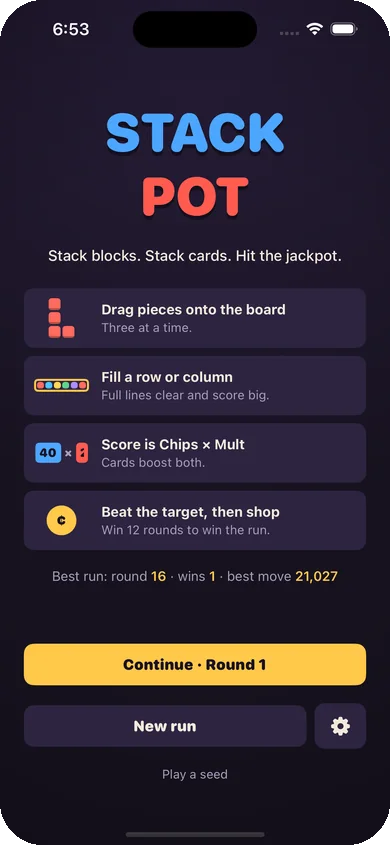
Stack blocks. Stack cards. Hit the jackpot.
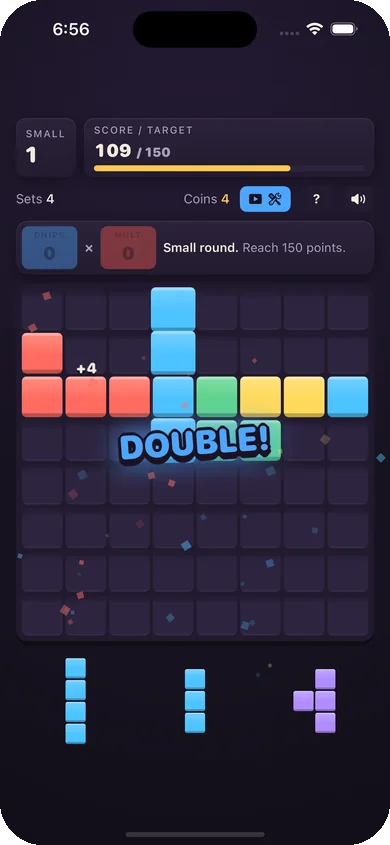
A block puzzle with a twist: every line you clear scores Chips × Mult, and the cards you collect between rounds change the rules.
How it plays
Drag pieces onto the board
Three at a time. Fill a row or column to clear it.
Score is Chips × Mult
Clear more lines at once for bigger Mult.
Collect cards
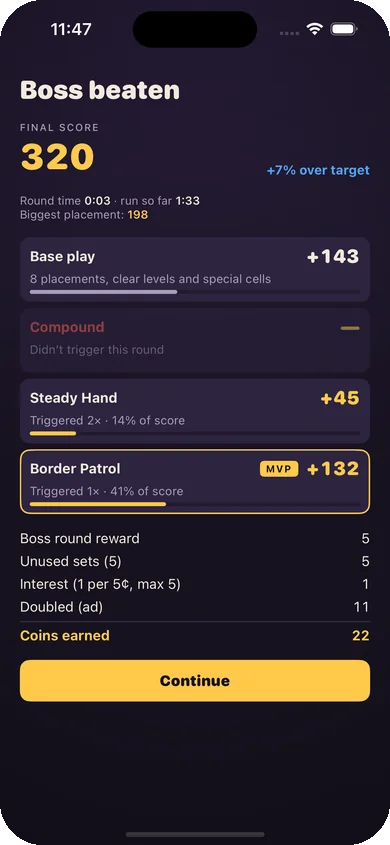
Spend coins in the shop on cards that bend the scoring rules.
Beat 12 rounds
Boss rounds every third round. Then keep going in endless mode.
Support
Common questions
Is Stackpot free?
Yes. It's free to play and supported by ads. Some ads are optional: watch one to continue a run, double a round's reward, reroll the shop or get a free tool.
My run disappeared.
Runs are saved on your device after every move. Deleting the app (or its data) removes the saved run and your stats.
Can I replay a run?
Yes. Every run has an 8-character seed. Enter it from Play a seed on the home screen to replay the same deals and shop, as long as you make the same choices.
How do I turn off sounds or tips?
Use the speaker button during play, or Settings (the gear on the home screen) for sound, scoring speed, color symbols and replaying the tutorial tips.
How do I change my ad privacy choices?
Where it applies, open Settings › Privacy choices in the game. You can also change tracking permission in iOS Settings › Privacy & Security › Tracking.